

Try a cloud Linux desktop for 14 days.
Create an account, launch one hourly Basic or Balanced Linux desktop, and work directly from your browser on Windows, macOS, Linux, or ChromeOS.
One desktop. No card or client installation required.
No payment method required
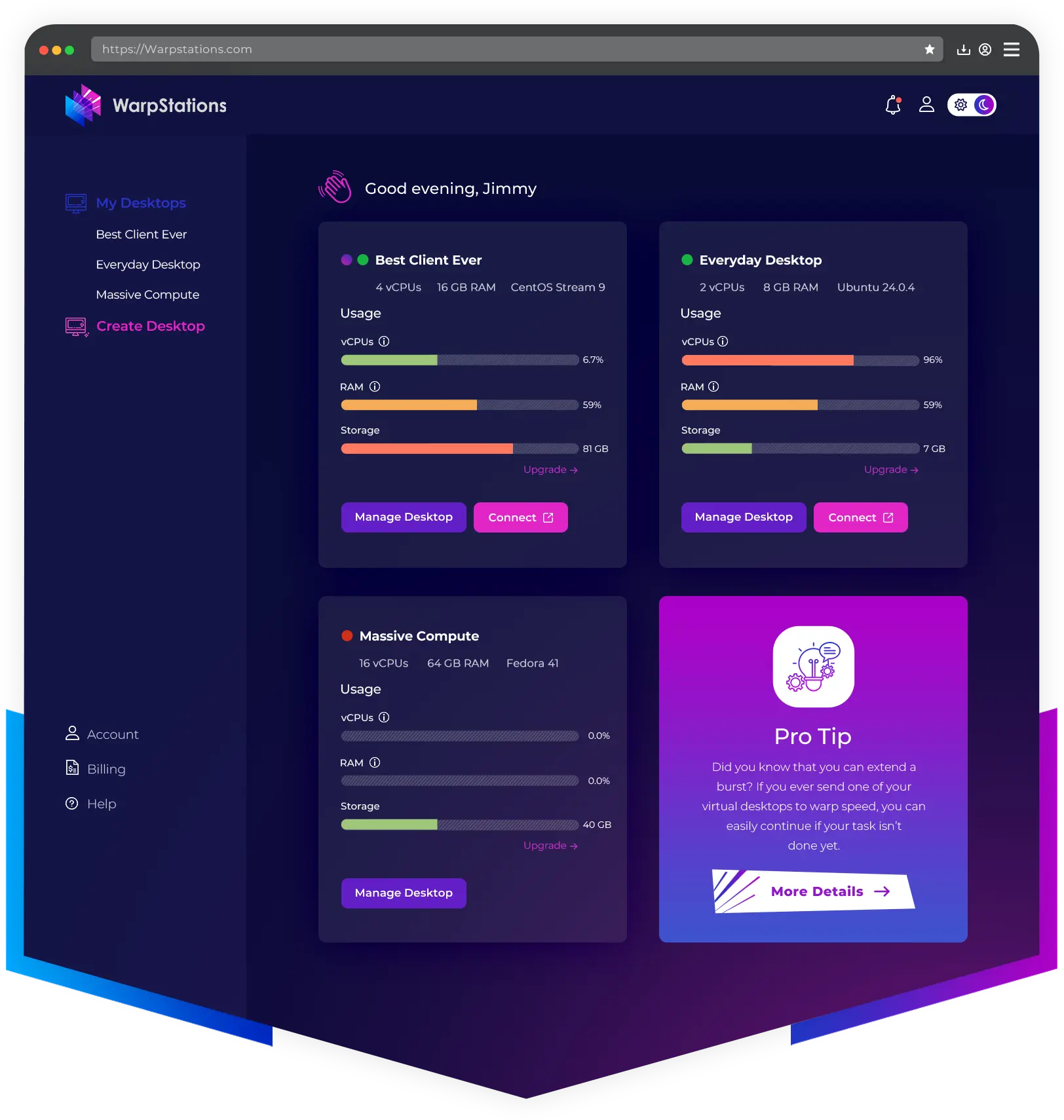
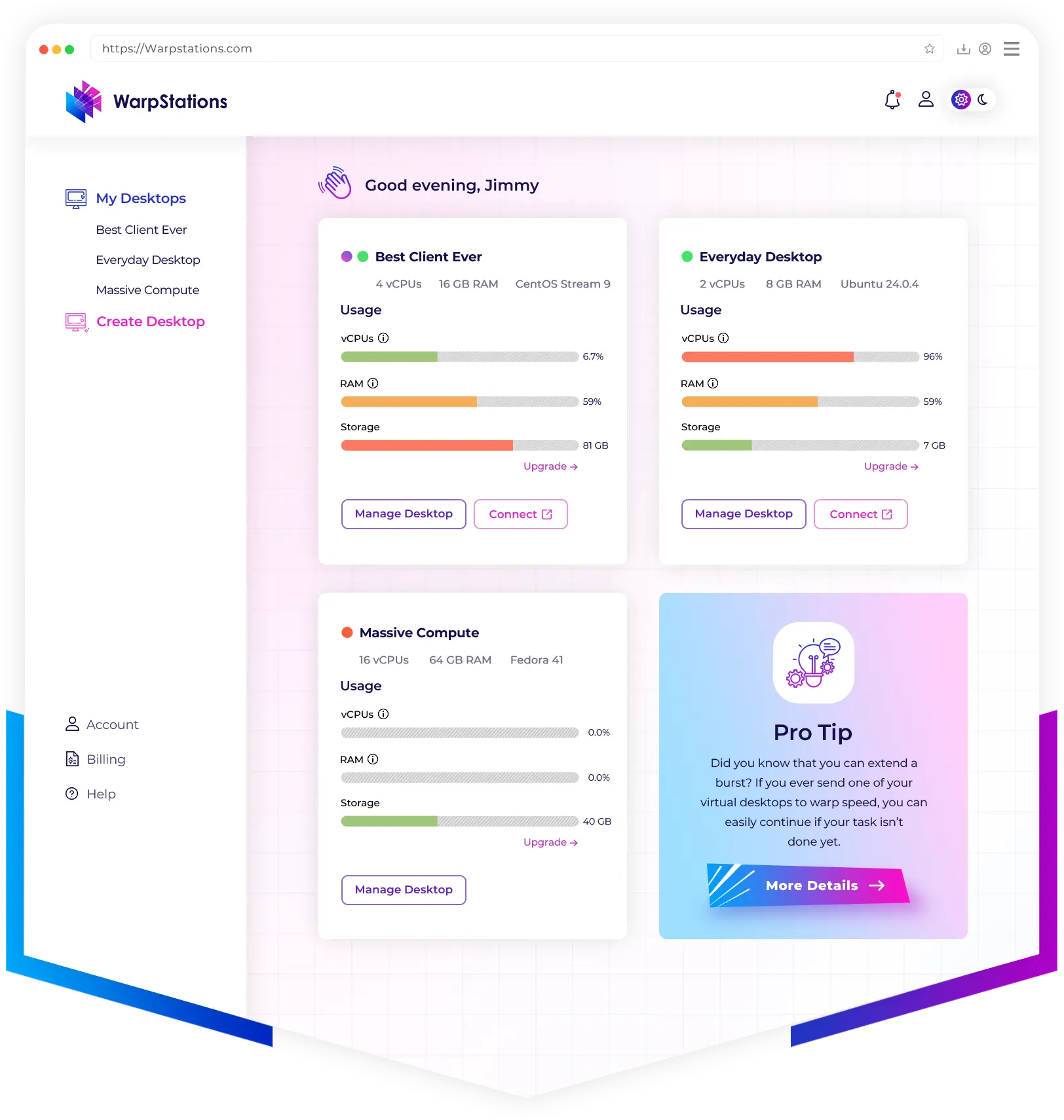

Trial included
A practical way to test your workflow
The trial is designed for individual evaluation. Book a demo for guided setup, team use, compliance, procurement, or enterprise questions.

Create your account
Sign up for a 14-day trial without entering a payment method.

Launch Linux
Choose an hourly Basic or Balanced desktop with 90 GB SSD included.

Work in your browser
Open the desktop on Windows, macOS, Linux, or ChromeOS. No client installation required.
Evaluating for a team? Book a demo for guided setup, security, compliance, or procurement.
No connection client is required. Create, launch, and use your WarpStations desktop from a modern desktop browser on Windows, macOS, Linux, or ChromeOS.
No. You can start the 14-day trial without a card. Add a payment method later if you want to keep going or unlock paid-only options.
WarpStations browser access is currently designed for desktop and laptop computers, including Chromebooks.
One hourly Linux desktop on Basic or Balanced with 90 GB SSD by default and up to 100 GB total configurable during trial.
No. Since there is no payment method on file, billing cannot start automatically.
Add a payment method to keep using WarpStations. If you do not, the trial ends and paid-only options remain locked.
Those are paid-only options. The trial starts with one hourly Basic or Balanced desktop; add a payment method to unlock the rest.
Book a demo for hands-on help, team rollouts, enterprise needs, compliance review, or procurement questions.
Ready to launch a desktop?
Launch a Linux desktop in your browser, test your workflow for 14 days, and choose a plan when you are ready.
No card or client installation required

© 2026 WarpStations. All Rights Reserved.